On dark matter/energy

Maybe this is naïve but can someone explain to me why when astronomers and astrophysicists do their calculation and realize their estimate of the amount of stuff in the universe is off by 95%, they add in a fudge factor instead of questioning that maybe their fundamental understanding of what we can see is in error.

I’m not saying dark matter and dark energy don’t exist. And I don’t have too difficult a time wrapping my head around the fact that there are things beyond our normal Newtonian sensory perception (near light speed time dilation is a pretty cool phenomenon). But when your result is that far off from the expected you don’t usually just go, “oh yeah and some other stuff” just because the math is neater.

When I add up my deposits and expect to see $1000 in my bank and I only see $50, I think “Error!” not “Oh its in the vault somewhere, I just cant see it”
Posted in Half Serious, Tinkering | Leave a comment

Pintera submitted to the marketplace!

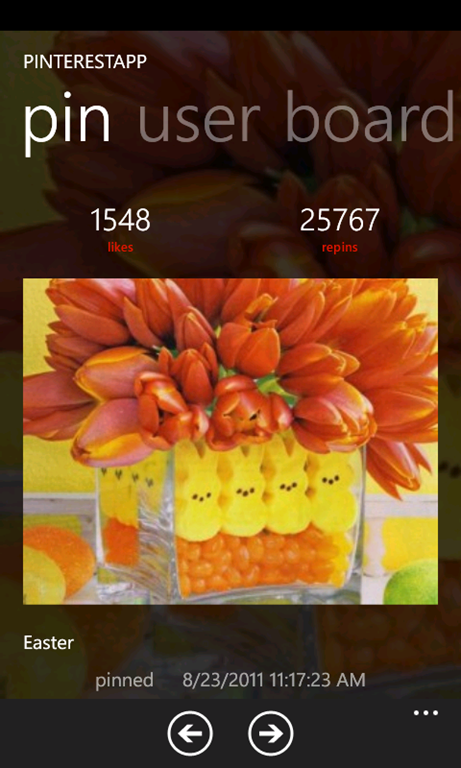
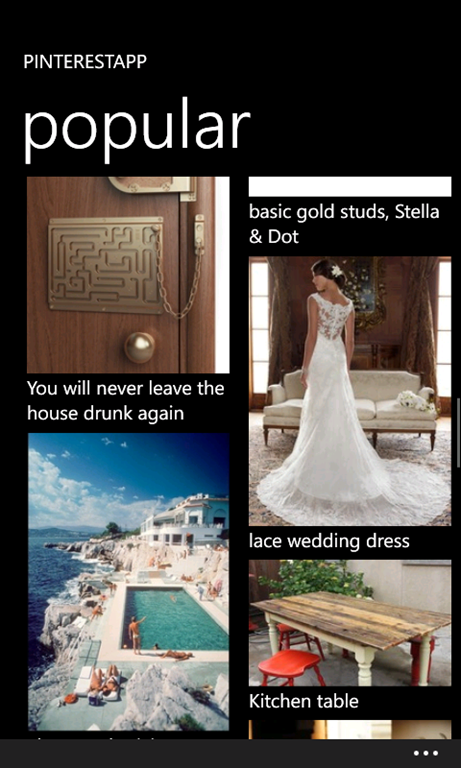
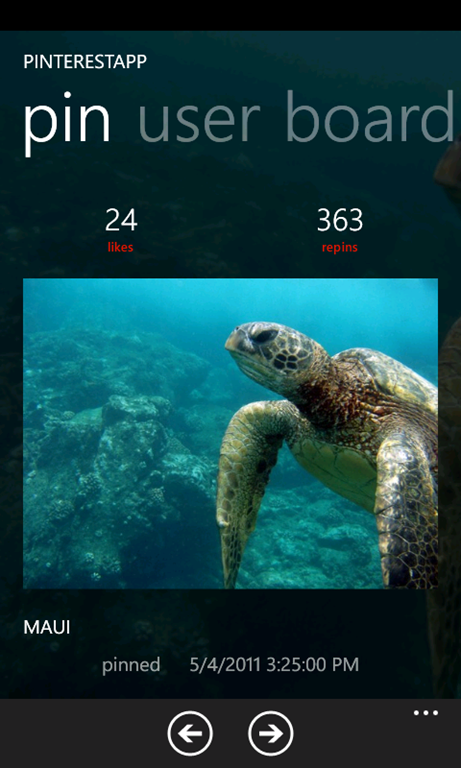
Pintera has just been submitted. It is a fully Metro experience for Pinterest on the Windows Phone. Features include exploring Pinterest by user, board, category and search as well as a secure log in to enable liking and repinning.

Assuming all goes well it will show up in the marketplace next week.

Posted in Pintera, Pinterest, Windows Phone | 3 Comments

Coming soon! Pintera, my Pinterest app for Windows Phone

Some teasers…

pincollectionviewpinview.pinpivotpinview.pinpivot2pinview.comments2

Fully featured & fully Metro!

and my wife likes the search feature

pincollectionview-search

Posted in Pintera, Pinterest, Windows Phone | Leave a comment

Old School Win! Zork + Windows Phone 7

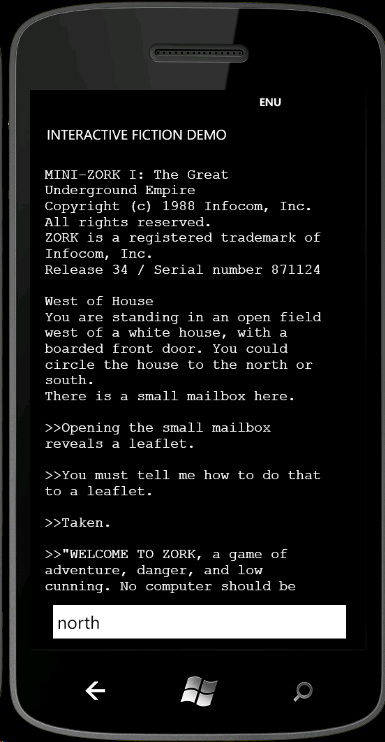
You are standing in an open field west of a white house, with a boarded front door. There is a small mailbox here.

Over the weekend I was tinkering with various Z Machine interpreters that are available. Without much trouble I got a simple system running mini Zork which plays just fine. I was curious if “text-only input on a touch device” would cause problems. It doesn’t.

image

Son #3 suddenly found himself completely engrossed in an adventure trying to evade the Grue.

Posted in Tinkering, Windows Phone | 3 Comments

480px v1.4 is available!

Now with voting and more get it from the marketplace today!

Posted in 480px, Windows Phone | Leave a comment

480px v1.4 submitted to the marketplace!

It is still satisfying to hit that submit button. Hopefully this will be available for download to your Windows Phone sometime next week.

New features include

  • Log in to your 500px account
    From the account page you can also view your profile information and easily jump to your photos or the people you are following
  • Vote on images
    Once you log in you can vote to like or dislike photos! The voting buttons are in the application bar which is displayed by default but you have the option to minimize the bar instead for maximum screen size for image viewing.
  • Pinch/Zoom images
    You can now pinch/zoom on the images in the image view to see their full detail.
  • Large or small thumbnails
    Some people prefer more smaller thumbnails to fewer larger more detailed ones so they can have more of them on the screen at one time. You can now select whether you would like to have large thumbnails in the image stream view or smaller ones.
  • Comments
    In the image details view, you can now see the most recent comments on the image. Tap on the comment to go to that photographers images
  • Open on 500px.com
    While viewing an image, you can choose to open the browser directly to that images page on the 500px.com site.
Posted in 480px, Windows Phone | 1 Comment

480px users get the vote!

Just a quick teaser for 480px users. User login and voting is now functioning and will be part of the upcoming v1.4 release!

Posted in 480px, Windows Phone | Leave a comment

480px v1.3 published!

One of my favorite emails to receive looks like this

clip_image001
Congratulations! 480px has successfully passed certification for Windows Phone Marketplace.

You may now publish your application to the marketplace.
If you chose to automatically publish your application during the submission process, the application will now be published to the marketplace. If you did not choose to automatically publish your application after certification, you can do so now by going to your application listing at http://windowsphone.create.msdn.com/App/List.
You will need your Windows Live ID to access this application. Clicking the link above will redirect you to your Windows Phone dashboard where you can view the status of the application and publish it!

Thank you,

The Windows Phone Team

v1.3 with Live Tiles and background updates (you can read the full details) has been published and will appear shortly for everyone!

Let me know how it works and how you like it!

Posted in 480px, Windows Phone | Leave a comment

480px update v1.3 on its way!

v1.3 of 480px was submitted to the Windows Phone marketplace early this morning. Among other things, it includes Live Tiles!

If you are viewing any image stream (like Editor’s Choice, or a specific photographer’s photos) you can pin it to your start screen and it will be updated every 30 minutes automatically. You can choose whether you want the most recent photo or just a random photo from the stream to be shown. In the settings page you can turn the background updates on/off and you can set whether you want the images to be random.

Other changes include

  • changing user settings takes effect immediately now. No more restart required.
  • added menu items to easily view a photographer’s friends or favorite photos
  • added Facebook sharing
  • fixed a bug that would crash the app when receiving an error from the 500px service

Created a Facebook page for 480px – Like it from right here on the blog!

Posted in 480px, Windows Phone | Leave a comment